
Local language (Spanish [Mexico]) persists in DimLibrary after removing es-MX frm SysConfig
Dear Community Members,
Due to my error in the initial definition of culture codes I ended up with two es-MX local language options in the dim library.
I removed the es-MX culture code. One of the two options went away in the DimLibrary, but the second one persists.
Then i removed all descriptions from the MemberDescription table where CultureCode = es-MX.
Still the DimLibrary shows Spanish AND even more surprising shows the Spanish descriptions.
Which leads me to believe that those descriptions are cached somewhere?
Any tips? My ultimate goal is to have es-MX culture code and local descriptions. But only one Spanish in the DimLibrary.
SystemConfig (this is a locally hosted client) only has en-US defined

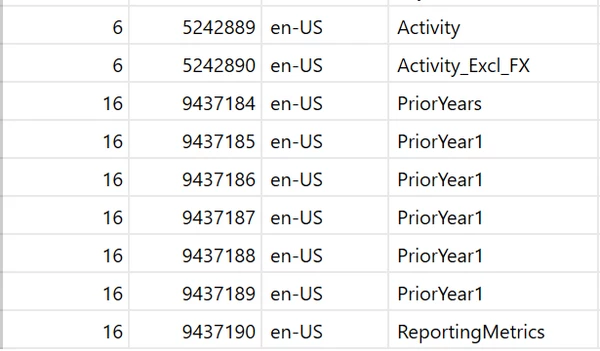
MemberDescription Table has only English
but DimLibrary still has Spanish descriptions
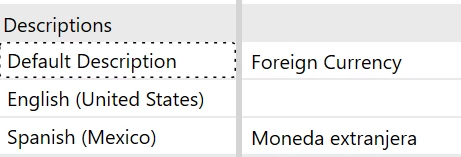
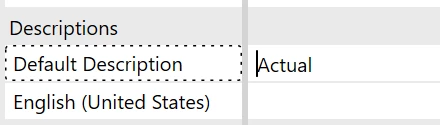
but only where defined before. Other members that never had a local translation do not show Spanish (Mexico), see Scenario Actual below.
Thanks in advance