Solved
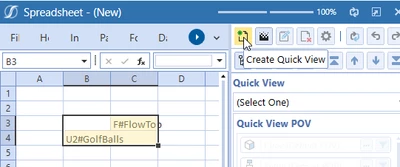
Quick View POV - to be user specific
Dear Community,
I didnt find a good hint wihin the reference guide. So, I hope you can help me.
I know a Quick View POV is always set to be the default, which is set in Onestream.
Otherwise I see, that Account or time can´t be adjusted. It is always the same "starting quick view" which is visible.
So, I wanted to know if there is a way to set the POV to be different per each user or user group.
In example, if a finance user starts a quick view, he/she should initial see, what they want to see.
Meanwhile an administrator should see something different, without the need of changing the POV.
Do you know if it is possible to change the initial POV? Or is the initial one always the same?
Best Regards,
Markus