August 2, 2024

Reporting Parameters Formatting

  • August 2, 2024
  • 3 replies
  • 1 view

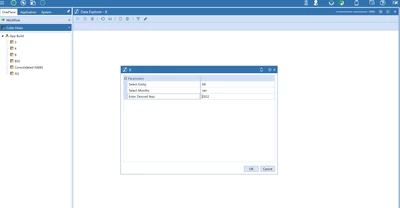
If these are my parameters:


wm2_0-1722617337423.png

(delimited list and input value)

what would my columns be?
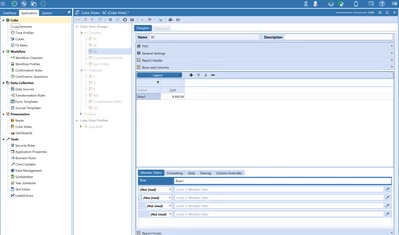

wm2_1-1722617408244.png

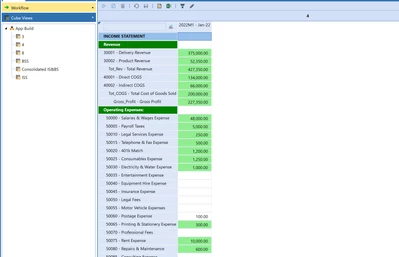
This is ultimately what the report should look like:

wm2_2-1722617440441.png


3 replies

August 2, 2024

Hello,

Assuming your second parameter for month is configured to be something like below:


JakeSteinberg_0-1722619761984.png

This would be my column definition:


JakeSteinberg_1-1722619811968.png

The Input value of 2022 + the delimited value of M1 would equal 2022M1. Here is the output:


JakeSteinberg_2-1722619878522.png


wm2Author
August 2, 2024

I am still getting a blank output. Do you have any other suggestions?

August 2, 2024

Hi wm2,

Have you added your account dimension to the rows yet? It doesn't appear so in the screenshot provided so I want to confirm.

wm2Author
August 2, 2024


wm2_0-1722620728073.png

Yes, I am trying to build this off row and column sharing

August 5, 2024

Have you tried hardcoding the time (T#2022M1) into your column to check that it work without the parameters? This might help understand if this is this issue, or whether it might be something else