Solved
Scenarios comparison in BI Viewer
Hey all,
We are trying to creating a toggle button so that the dashboard will render based on the selection.
We have 4 Scenarios and we want to compare those but the scenarios will be selected by the end user at run time and s/he can change the selection as many number s/he wants.
I have tried to achieve this via Checkbox but that is not working as expected for multiple users as the literal parameter gets updated every time.
I tried radio button as well but it looks like so many option (buttons) on the dashboard. Do anyone have any other suggestions on this?
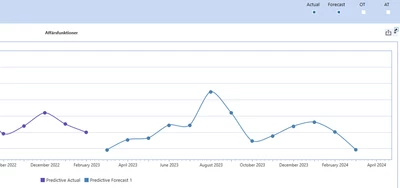
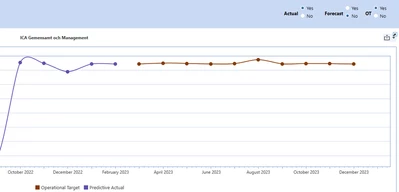
Below are layout images on both tries we done. Radio button (first image) looks best but as mentioned above not working as we want too.