
Unable to execute formula for member "xxx'. Value was either too large or too small for a Decimal.
Hello,
I'm attempting to leverage the UD8 Compound Annual Growth Rate (CAGR) business rule as a dynamic calculation.
The formula works great on most intersections, but I keep getting this error message on certain intersections:
--> Unable to execute formula for member 'xxx'. Value was either too large or too small for a Decimal.
Does anyone know what is causing this our how I can overcome? Even a single intersection error wrecks my cubeview presentation as you can see with the attached image.
I'm able to recreate the math in excel and the result doesn't seem unwieldy, so I'm not sure how to resolve.
Thanks,
Sean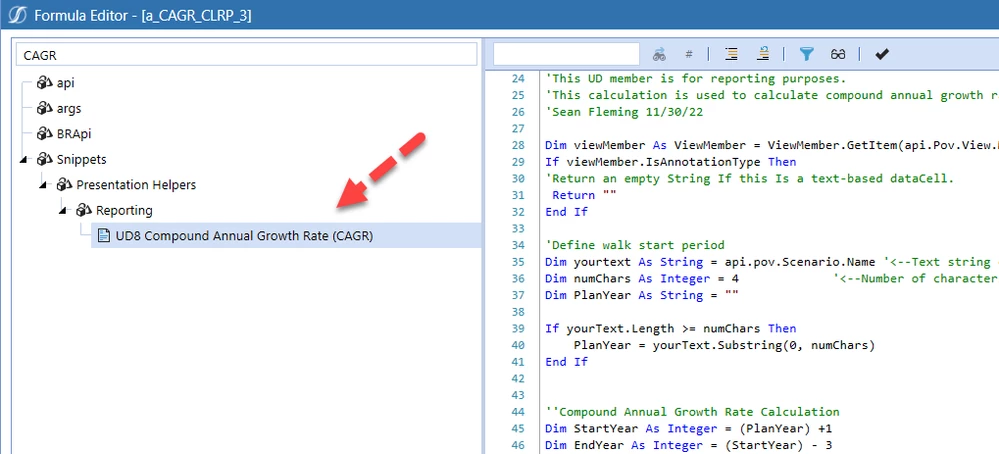 UD8 CAGR Business Rule
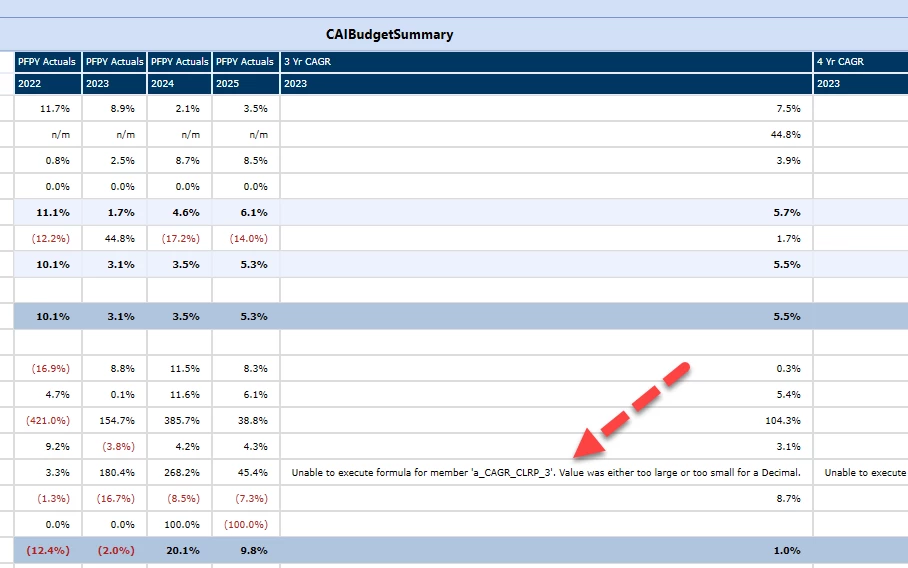 Error Message being thrown
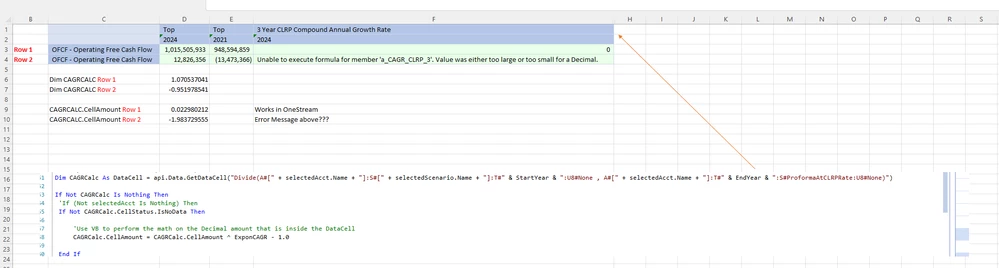 Math - highlighting intersection with error via a QuickView