April 29, 2025
Solved

No valid DataKeys (Scenario / Time) found in data source.

  • April 29, 2025
  • 5 replies
  • 0 views

Hello everyone,

I'm trying to create my first import from scratch.

Unfortunately, it always gives me the same error :

No valid DataKeys (Scenario / Time) found in data source. Review the source data load processing log and check one-to-one transformation rules to ensure that you have created proper Scenario and Time dimension rules for this data source.

And no line is imported or displayed in the logs.
However, I've gone down each parameter and everything seems correct and consistent with what I have on other import files.

Could you help me investigate?

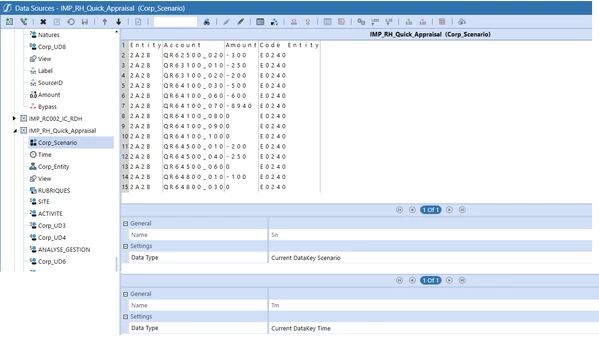
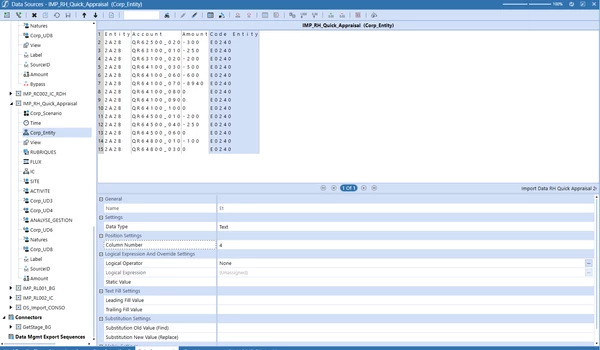
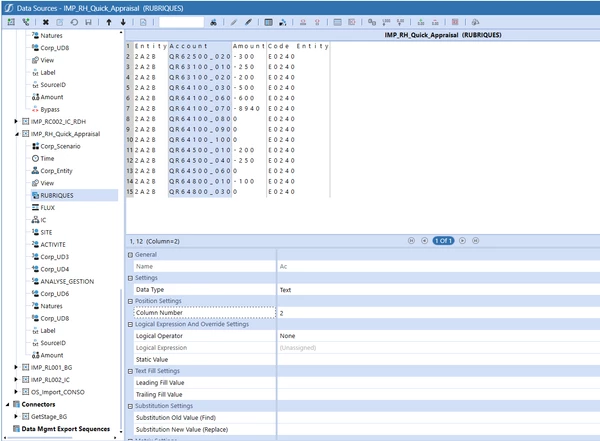
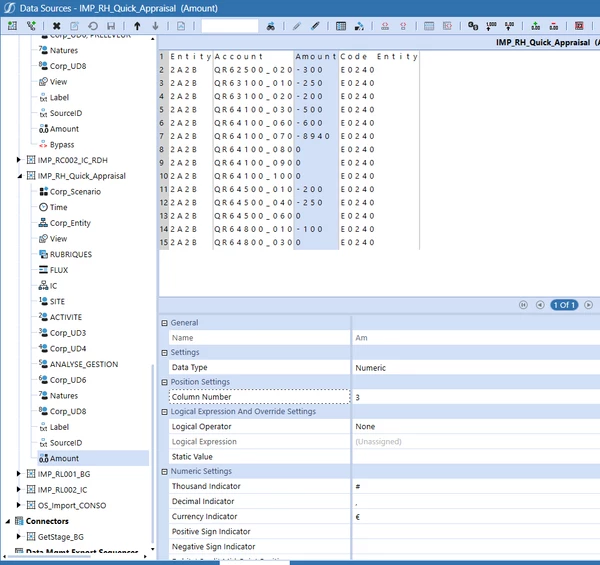
My settings :
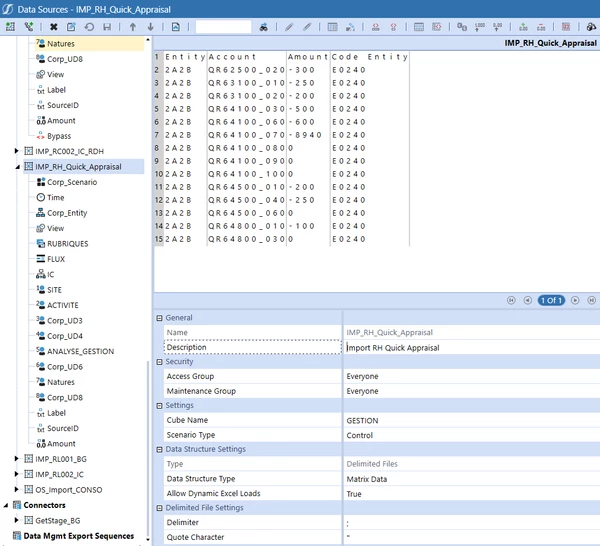


All the UD1 to UD8 are on None.

And the log :
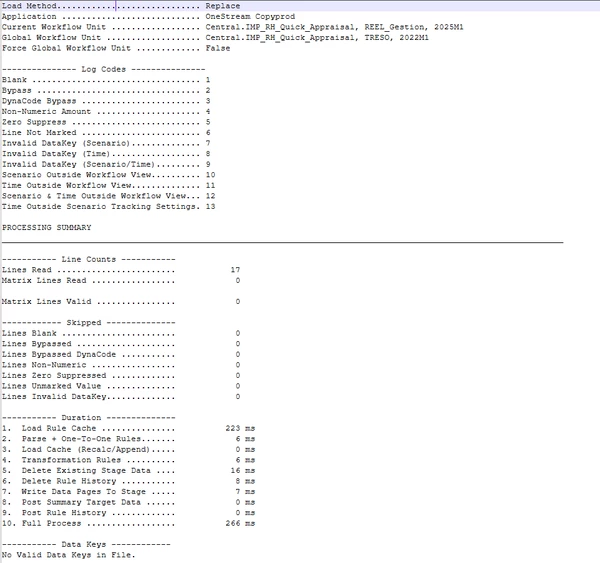


Best answer by MarcusH

The Data Structure Type on the Data Source is set to Matrix Data. As you are loading one period of data this should be set to Tabular Data. 

The log file has the line: Matrix Lines Read.....  0 

5 replies

Employee
April 29, 2025

Can't see Time in your screenshots. Did you do Current Datakey Time like you did with Scenario?

April 30, 2025

Hello Daniel,

Absolutely.
I have set Current DataKey Time.
I put the Time screenshot at the bottom of the scenario screenshot.

I plan to create a column per UD in the import file, as is already the case for the account, the amount and the entity, and thus see if this corrects the problem.

If it still doesn't work, maybe I can investigate elsewhere?

Then, if it works, I'll delete the UD columns one by one and hope to see which one is not set up correctly when it's no longer in the import file.

April 30, 2025

The error is saying that there is a missing scenario and/or time target member. That means either the data source is wrong (and it looks OK to me) or the transformation rules for the scenario / time member is missing.

April 30, 2025

I've read that this message is generic and that the problem could come from any manage profil member.

My manage profil member is exactly the same as other import profiles which work perfectly.

I've created a new csv import “;”
I've assigned each column to a dimension
The scenario/time member transformation rules reflect the data in the import file and yet my file doesn't import and I have no explanation for the anomalies :(

My settings:


MarcusHAnswer
May 1, 2025

The Data Structure Type on the Data Source is set to Matrix Data. As you are loading one period of data this should be set to Tabular Data. 

The log file has the line: Matrix Lines Read.....  0 

May 5, 2025

Thank you very much MarcusH
That's what was causing the imports to crash.

February 25, 2026

Can we avoid this error by using some code in the transformation Event Handler?

February 25, 2026

Hi Rishav

This error means there is something awry with your setup and you are not picking up any data. It is a genuine error.

So better to investigate what the cause of this is in setup / data (use logs) and fix it. 

Otherwise you are simply suppressing a genuine error; albeit one that doesn't give us the most helpful message 

Thanks

Sam

March 2, 2026

Hi sameburn​ ,

As per my investigation, this issue is happening because of no data in the file. But since this is stopping a valid load, can we avoid this message?
Is there a code to do so?